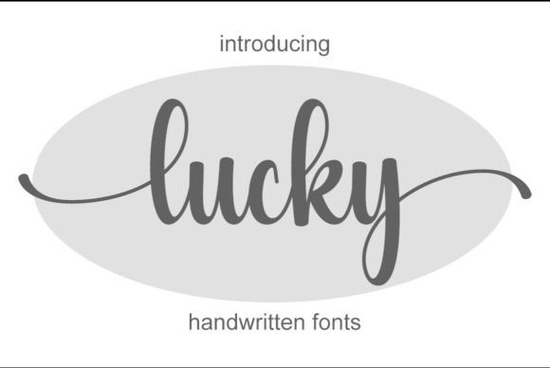
If you are looking for a handwritten typeface that feels both elegant and personal, the Lucky Font is a solid choice. It comes from Creative Fabrica and works well for logos, branding, social media posts, ads, business cards, wedding invitations, and product design. The delicate letters have a natural flow that makes any project look custom-made. Because it is PUA encoded, you can easily access all the special glyphs and alternates without extra software.
Many script fonts look stiff or too perfect. Lucky Font keeps a human touch. The strokes are light and connected in a way that feels like real handwriting. The alternates let you swap letters to create a unique look each time. For example, you can change the first or last letter to a swash version, which is great for wedding invitations or custom logos. This flexibility is rare in free or cheap font packs.
If you have used other handwritten fonts like the Montana script font, you will notice Lucky is lighter and more delicate. It works better for feminine or elegant branding. The Wedding Signature font is another popular choice, but Lucky offers more letter variations that help you avoid repeating the same look across your designs.
Yes, the font comes with a standard commercial license when you buy it through Creative Fabrica. That means you can use it on T-shirts, mugs, tote bags, and other print-on-demand products. Many sellers choose Casual Handwriting fonts for everyday quotes, but Lucky gives you a more polished look that fits higher-priced items like wedding stationery or boutique branding.
When you pair Lucky with a simple sans-serif font for body text, it creates a clean contrast. That makes your product photos stand out on marketplaces like Etsy or Amazon.
Since Lucky Font is PUA encoded, you can use the Character Map on Windows or Font Book on Mac to find the alternate letters. In design software like Photoshop, Illustrator, or Canva, open the Glyphs panel and scroll through the options. You will see different versions of the same letter – some with longer tails, some with loops. Simply double‑click to insert them.
If you have used the Letterland font, you already know how PUA encoding works. It is the same principle: the extra characters are mapped to unicode slots, so they show up in your font menu without needing special plugins.
Do not use it for long blocks of text. Script fonts like Lucky are best for short phrases – a name, a title, a single line. Keep the line length under six words to maintain readability. For longer text, pair it with a simple sans serif like Montserrat or Lato.
Also, experiment with color. A soft pastel or a dark navy background can make the light strokes pop. If you are designing a logo, try setting the font in all lowercase – it looks more natural and modern.
Besides Lucky, Creative Fabrica has many other script fonts that suit different styles:
Each has its own personality. Lucky stands out because it hits a sweet spot between elegant and natural without being too fancy or too simple.
Remember, the best way to learn if a font works for your project is to try it. Lucky Font gives you enough flexibility to create something that feels yours.
Explore Design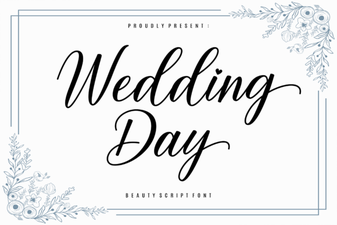 Perfect Wedding Fonts: Ideas & Inspiration
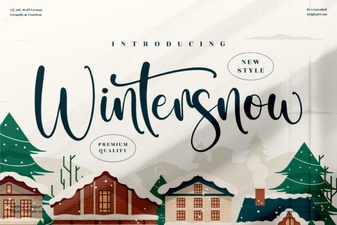 Wintersnow Font: Creative Display Designs & Ideas
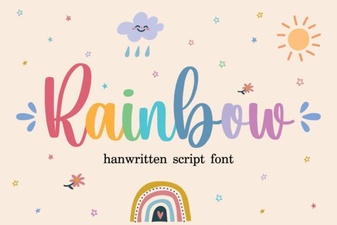 Rainbow Font Design Ideas for Creative Projects
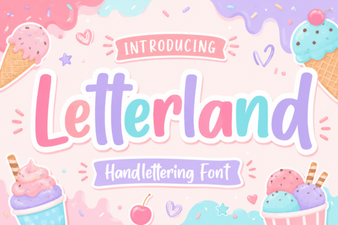 Introducing the Official Letterland Educational Font
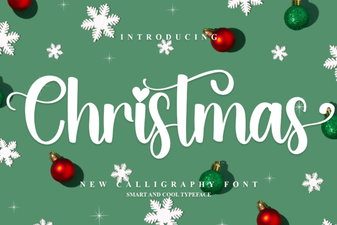 Festive Fonts & Creative Holiday Project Ideas
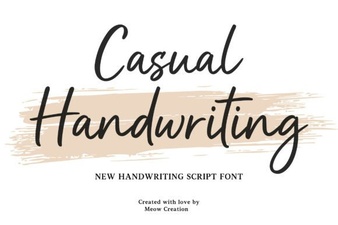 Casual Handwriting Fonts for Your Creative Projects
Explore the Art of Typography